
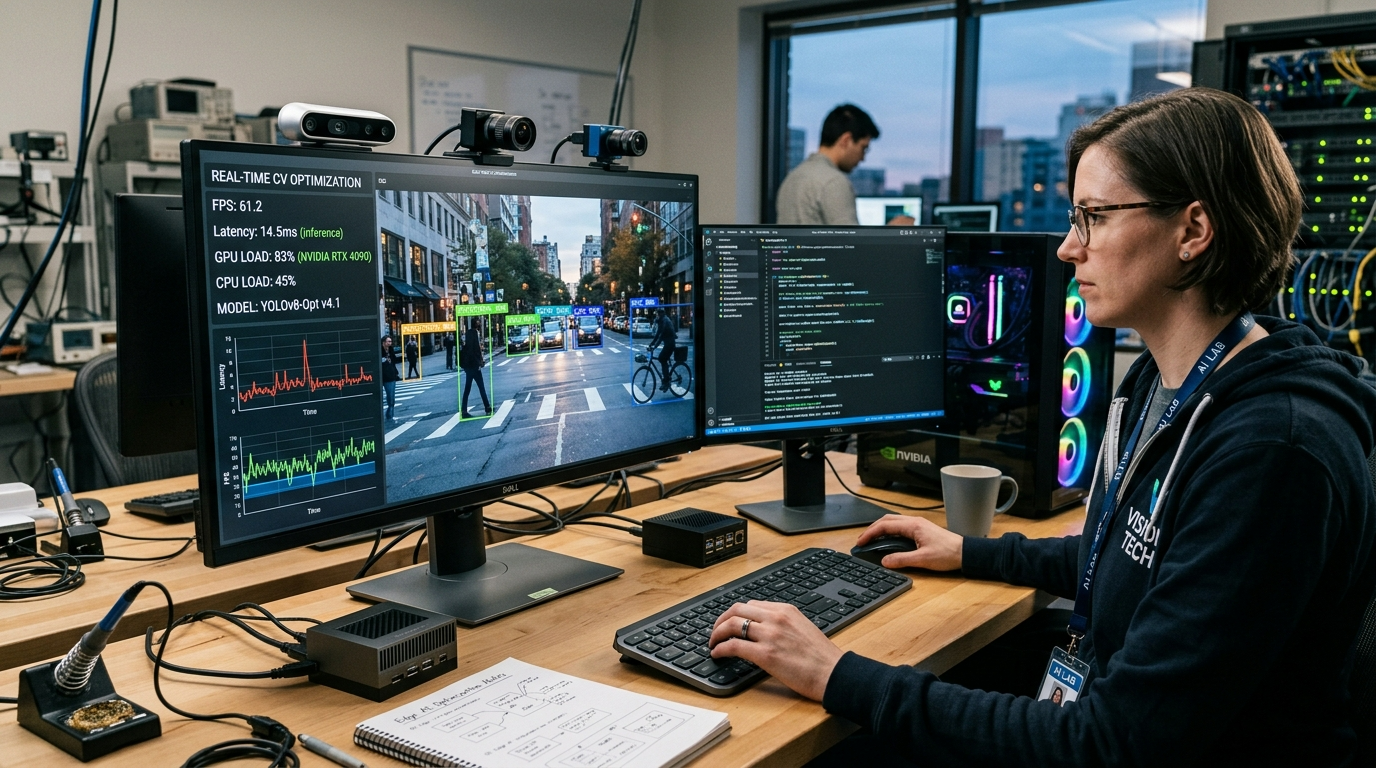
Modern applications rely heavily on computer vision. However, many organizations still operate on older hardware. Because of this, achieving real-time performance can be difficult. Real-time computer vision optimization becomes essential when systems lack modern GPUs or high-speed processors.
Older machines often struggle with large neural networks and heavy image processing tasks. Nevertheless, with the right strategies, these systems can still perform well. Developers can reduce computational load, streamline models, and optimize software pipelines.
This guide explains practical techniques that make real-time vision workloads possible on legacy hardware. You will learn how to improve processing speed, reduce latency, and maintain accuracy without upgrading entire infrastructures.
Why Older Systems Struggle with Vision Workloads
Computer vision algorithms process large amounts of visual data. Each frame requires detection, classification, or segmentation tasks. These processes demand high computational power.
Older systems face several challenges.
First, CPUs in legacy machines lack modern instruction sets. As a result, complex neural network calculations run slowly.
Second, memory bandwidth is limited. Vision models often require fast data transfer between memory and processors. Slow memory access delays the pipeline.
Third, many older machines lack dedicated GPUs or AI accelerators. Without these devices, deep learning inference becomes CPU-bound.
Additionally, inefficient software pipelines can make the problem worse. Poor resource management often causes frame drops and long delays.
Therefore, developers must carefully design their pipelines when running computer vision applications on legacy systems.
Model Simplification for Real-Time Performance
One of the most effective strategies for real-time computer vision optimization is reducing model complexity. Large neural networks consume significant computational resources.
Simpler models often perform well enough for many tasks.
Use Lightweight Architectures
Lightweight architectures reduce computation requirements. Networks such as MobileNet, SqueezeNet, and EfficientNet Lite are designed for constrained environments.
These models maintain good accuracy while minimizing operations per frame.
Developers working with older machines should prioritize compact architectures. Smaller models reduce CPU load and improve frame rates.
Apply Model Quantization
Quantization converts high-precision weights into lower precision formats. For example, 32-bit floating point values can be converted to 8-bit integers.
This technique reduces memory usage and speeds up inference.
Many frameworks support quantization. TensorFlow Lite and ONNX Runtime both provide built-in tools for this process.
Moreover, quantized models often run significantly faster on CPUs.
Prune Unnecessary Layers
Neural networks sometimes contain redundant parameters. Pruning removes weights that contribute little to model accuracy.
After pruning, the network becomes smaller and more efficient.
In many cases, pruning can reduce computation by 30 percent or more.
Consequently, this step plays a critical role in real-time computer vision optimization for resource-limited systems.
Efficient Image Processing Pipelines
Model optimization alone does not solve performance problems. The entire image processing pipeline must also be efficient.
Many delays occur before data even reaches the model.
Reduce Image Resolution
High-resolution images require more processing power. Therefore, lowering resolution can dramatically improve performance.
For example, processing 640×480 frames instead of 1920×1080 reduces pixel calculations by nearly 90 percent.
However, resolution should remain high enough to preserve detection accuracy.
Finding the right balance is essential.
Limit Frame Processing
Not every frame requires full analysis. Some applications perform detection every few frames while tracking objects in between.
This method reduces the total number of model inferences.
As a result, systems maintain responsiveness without overwhelming older processors.
Crop Regions of Interest
Instead of analyzing the entire frame, applications can focus on specific regions.
For instance, surveillance systems may analyze only motion areas. Similarly, robotics systems can focus on central viewing zones.
Processing smaller image sections reduces computational demand.
These strategies greatly assist real-time computer vision optimization in constrained environments.
Hardware-Aware Optimization Techniques
Even when using older machines, developers can still take advantage of hardware capabilities.
Understanding system architecture allows better performance tuning.
Use CPU Vectorization
Many CPUs support vector instructions such as SSE or AVX. These instructions process multiple data points simultaneously.
Optimized libraries can leverage these instructions automatically.
OpenCV, for example, includes vectorized operations that speed up image processing tasks.
Consequently, CPU workloads become more efficient.
Leverage Multi-Threading
Older CPUs often contain multiple cores. Although each core may be slow, parallel processing can still improve throughput.
Multi-threading distributes tasks across cores.
For instance:
- One thread captures camera frames
- Another processes images
- A third runs model inference
This pipeline approach reduces waiting time between operations.
Therefore, multi-threading significantly improves real-time computer vision optimization.
Use GPU When Available
Some legacy systems still include small GPUs. Even low-end GPUs can accelerate certain operations.
Libraries such as CUDA or OpenCL allow image processing to run on GPU hardware.
However, developers must evaluate whether data transfer overhead outweighs the benefits.
Careful testing helps determine the best approach.
Software Framework Selection
Framework choice greatly affects performance on older systems.
Some frameworks are designed specifically for edge environments.
TensorFlow Lite
TensorFlow Lite is optimized for lightweight devices. It includes model compression tools and hardware acceleration options.
Additionally, the runtime footprint is small.
These characteristics make it suitable for legacy hardware.
ONNX Runtime
ONNX Runtime provides efficient inference across multiple platforms.
The framework supports CPU optimization and graph-level transformations.
These features improve model execution speed.
Because of this flexibility, ONNX Runtime is often used in real-time computer vision optimization workflows.
OpenVINO
Intel’s OpenVINO toolkit is designed for CPU acceleration. It optimizes neural networks for Intel processors.
Furthermore, OpenVINO performs graph optimizations that reduce inference time.
Many organizations use it to deploy vision applications on older machines.
Memory Management Improvements
Memory inefficiencies can cause serious performance issues.
Older systems typically have limited RAM. Consequently, memory usage must be carefully controlled.
Avoid Excessive Data Copies
Image processing pipelines often create unnecessary data copies.
Each copy increases memory usage and processing time.
Instead, developers should use shared buffers whenever possible.
Reducing copies speeds up frame handling.
Use Batch Processing Carefully
Batch inference improves throughput on modern GPUs. However, older CPUs may struggle with large batches.
Processing frames individually often produces lower latency.
Therefore, developers must test both approaches to determine the best configuration.
Optimize Data Structures
Efficient data structures improve cache performance.
Contiguous memory layouts allow CPUs to process data faster.
Optimized buffers reduce memory fragmentation and improve stability.
These improvements support real-time computer vision optimization in legacy environments.
Algorithm-Level Performance Strategies
Beyond neural networks, classical computer vision techniques can reduce workload.
Combining deep learning with traditional algorithms often improves performance.
Use Tracking Algorithms
Object tracking algorithms follow detected objects across frames.
Examples include:
- KCF tracker
- MOSSE tracker
- SORT algorithm
Instead of running detection every frame, the system tracks objects between detections.
Consequently, inference workload decreases significantly.
Apply Motion Detection Filters
Motion detection quickly identifies areas that require analysis.
Simple background subtraction algorithms can detect movement efficiently.
Then, the model processes only the relevant regions.
This approach dramatically reduces processing requirements.
Hybrid Vision Systems
Hybrid systems combine lightweight machine learning with traditional vision methods.
For example, edge detection or color filtering can narrow down candidate regions.
Afterward, neural networks analyze those areas.
This layered strategy improves performance without sacrificing accuracy.
Monitoring and Profiling Performance
Optimization should always be guided by measurement.
Profiling tools help developers identify performance bottlenecks.
Use Profiling Tools
Performance profilers reveal which operations consume the most time.
Common tools include:
- cProfile
- Intel VTune
- NVIDIA Nsight
These tools help identify slow functions or inefficient loops.
Once identified, developers can target specific improvements.
Measure Latency and Throughput
Two key metrics determine system performance:
Latency measures the delay between input and output.
Throughput measures the number of frames processed per second.
Both metrics must be balanced carefully.
Improving one metric should not significantly harm the other.
Effective measurement supports better real-time computer vision optimization decisions.
Deployment Strategies for Legacy Infrastructure
Deployment choices also influence system performance.
Careful configuration ensures reliable operation.
Use Edge Processing
Whenever possible, process data locally instead of sending it to remote servers.
Network delays can add significant latency.
Edge processing eliminates this delay and improves responsiveness.
Optimize Camera Input Settings
Camera configuration affects system load.
Lowering frame rate or resolution reduces processing demand.
These adjustments allow older hardware to maintain real-time responsiveness.
Schedule Resource Usage
In shared systems, other applications may compete for resources.
Scheduling computer vision tasks during low system activity improves reliability.
System-level tuning ensures consistent performance.
Conclusion
Older systems often struggle with modern computer vision workloads. Nevertheless, upgrading hardware is not always possible. Instead, developers must rely on careful optimization.
Real-time computer vision optimization focuses on reducing computational demand while maintaining accuracy. Model simplification, pipeline improvements, and hardware-aware techniques all play a role.
Additionally, efficient memory usage and framework selection significantly impact performance. Profiling tools further help identify and fix bottlenecks.
With the right approach, even legacy systems can run responsive computer vision applications. Organizations can extend hardware lifespans while still deploying intelligent visual technologies.
Ultimately, strategic optimization allows real-time visual processing without expensive infrastructure upgrades.
FAQ
1. How can older computers handle modern computer vision workloads?
Older machines can handle visual processing by using smaller neural networks, reducing image resolution, and optimizing pipelines. Lightweight models and efficient frameworks greatly improve performance.
2. What model types work best on legacy hardware?
Compact architectures such as MobileNet, EfficientNet Lite, and SqueezeNet work well. These networks provide strong accuracy while requiring fewer computational resources.
3. Is GPU acceleration necessary for real-time vision systems?
Not always. Many optimized CPU frameworks can deliver good performance. However, even small GPUs can help accelerate image processing tasks when available.
4. How does quantization improve inference speed?
Quantization reduces numerical precision in model weights. This reduces memory usage and speeds up computation, especially on CPUs that support integer operations.
5. What tools help identify performance bottlenecks in vision applications?
Profiling tools such as Intel VTune, cProfile, and Nsight reveal slow operations. These insights allow developers to target improvements and increase efficiency.