
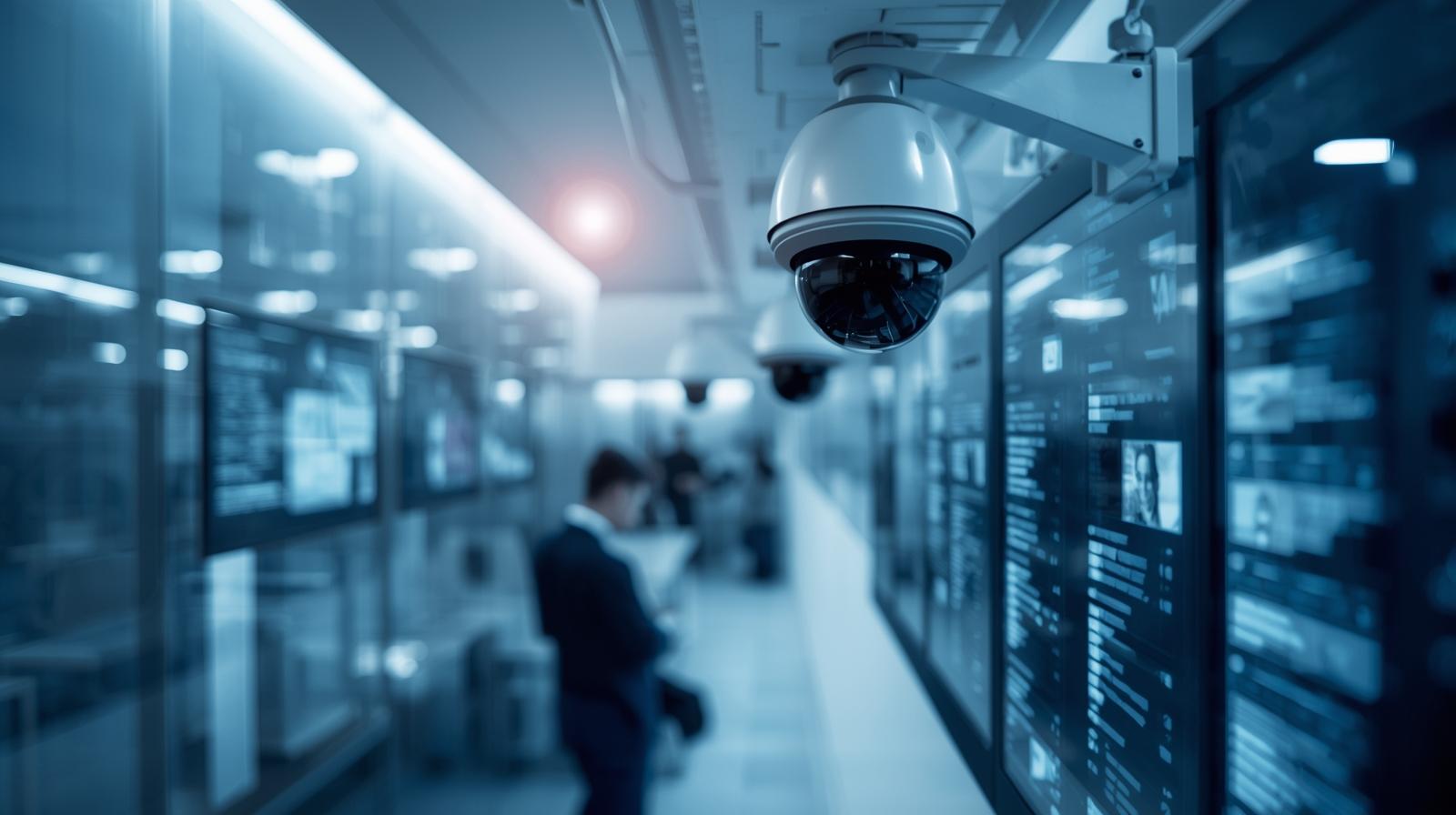
Security cameras are everywhere. Offices, warehouses, hospitals, retail stores, parking lots. Yet most of these cameras are still doing the bare minimum. They record video, store footage, and wait for someone to watch it later. That is like owning a sports car and never shifting out of first gear.
Deploying computer vision surveillance changes that equation. Instead of passive recording, your cameras start to understand what they see. They detect events, recognize patterns, flag risks, and generate insights in real time. Best of all, you do not need to rip out your existing surveillance systems to make this happen.
This article walks you through how to deploy computer vision on top of existing surveillance systems in a practical, scalable, and cost-effective way. We will move from strategy to architecture to deployment, while keeping everything grounded in real-world constraints.
Why Add Computer Vision to Existing Surveillance
Traditional surveillance answers only one question: what happened? Computer vision surveillance answers a much better one: what is happening right now?
When you deploy computer vision surveillance, cameras stop being silent observers. Instead, they become active sensors. They can detect intrusions, identify safety violations, monitor traffic flow, or count people automatically.
At the same time, organizations already invested heavily in camera infrastructure. Replacing hardware is expensive and disruptive. Fortunately, modern computer vision systems are designed to sit on top of existing surveillance setups.
In other words, you keep your cameras. You add intelligence.
Understanding Your Existing Surveillance Environment
Before you deploy computer vision surveillance, you need a clear picture of what you already have. Skipping this step leads to frustration later.
Start by identifying camera types. Are they IP cameras, analog cameras, or a mix of both? IP cameras are easier to integrate, although analog systems can still work through encoders.
Next, examine video management systems. Many organizations use platforms like Milestone, Genetec, or Avigilon. These systems often expose APIs or video streams that computer vision models can consume.
Finally, assess network capacity. Computer vision requires reliable video streams. Bandwidth, latency, and storage all matter more once analytics are added.
This groundwork makes later decisions much easier.
Defining Clear Computer Vision Use Cases
Computer vision works best when it solves specific problems. Trying to do everything at once usually leads to poor results.
Begin by defining one or two high-value use cases. For example, you might want intrusion detection high-value use cases. For example, you might want intrusion detection after hours, PPE compliance in a factory, or people counting in a retail environment.
Each use case shapes the deployment. Intrusion detection needs low latency. People counting needs accurate object tracking. Safety compliance needs reliable object classification.
By narrowing focus early, you avoid overengineering and speed up deployment.
Choosing the Right Computer Vision Architecture
When you deploy computer vision surveillance, architecture decisions matter as much as the models themselves.
There are three common deployment models.
Edge processing runs computer vision directly on cameras or nearby devices. This reduces latency and bandwidth usage. However, edge devices may show limited compute power.
On-premise servers process video streams locally. This approach gives you control and consistent performance, although it requires hardware investment.
Cloud-based processing sends video to remote servers for analysis. This model scales easily but depends heavily on network quality and data privacy requirements.
Most real deployments use a hybrid approach. Critical tasks run at the edge, while deeper analytics happen on centralized servers.
Integrating Video Streams Without Disruption
One of the biggest advantages of modern computer vision surveillance is non-intrusive integration.
Most surveillance systems expose RTSP or similar streaming protocols. Computer vision services simply subscribe to these streams. No changes to camera configuration are required.
In parallel, analytics outputs can be sent back to the video management system. Alerts, overlays, and metadata appear alongside live video feeds.
Because of this design, deployment happens without downtime. Cameras keep recording while intelligence is added gradually.
Selecting Computer Vision Models and Frameworks
Not all computer vision models are created equal. The right choice depends on your use case and environment.
Object detection models identify people, vehicles, or objects. Popular architectures include YOLO, SSD, and Faster R-CNN.
Object tracking models follow entities across frames. These are critical for behavior analysis and counting.
Action recognition models detect specific activities, such as fighting or falling.
Frameworks like OpenCV, TensorFlow, PyTorch, and specialized vision SDKs help accelerate development. Some vendors offer pre-trained models tailored to surveillance scenarios.
Choosing mature, well-supported tools reduces long-term maintenance risks.
Training and Customizing Models for Real-World Conditions
Out-of-the-box models work, but customization improves accuracy dramatically.
Surveillance environments vary widely. Lighting changes. Camera angles differ. Weather introduces noise. Generic models struggle with these variations.
By fine-tuning models on footage from your actual cameras, you improve performance. This training does not require massive datasets. Carefully curated samples often suffice.
Continuous learning also helps. Models can be updated as environments evolve, ensuring long-term reliability.
Managing Performance, Latency, and Accuracy
Deploying computer vision surveillance requires careful performance balancing.
Latency matters when real-time alerts are needed. Accuracy matters when decisions depend on detection results. Compute efficiency matters when scaling across hundreds of cameras.
Techniques like frame skipping reduce processing load. Region-of-interest cropping focuses analysis on relevant areas. Model quantization improves speed with minimal accuracy loss.
By tuning these parameters, you achieve practical performance without excessive hardware costs.
Ensuring Security and Privacy Compliance
Security systems handle sensitive data. Adding computer vision increases responsibility.
Encrypt video streams in transit. Restrict access to analytics dashboards. Log system activity for audits.
Privacy considerations are equally important. Face blurring, anonymization, and selective data retention help comply with regulations.
Clear policies ensure that computer vision surveillance enhances safety without eroding trust.
Monitoring, Maintenance, and Continuous Improvement
Deployment is not the finish line. It is the starting point.
Once computer vision surveillance is live, monitor system health continuously. Track detection accuracy, false positives, and system uptime.
Feedback loops improve results. When users flag incorrect alerts, models learn. Over time, performance improves naturally.
Regular updates keep models aligned with changing conditions. This ongoing refinement is what turns a good system into a great one.
Scaling Across Locations and Use Cases
After proving success with one deployment, scaling becomes easier.
Standardized pipelines allow new cameras to be onboarded quickly. Centralized dashboards provide visibility across sites.
As confidence grows, additional use cases can be layered on. The same video streams may support security, operations, and analytics simultaneously.
This is where computer vision surveillance delivers exponential value.
Common Pitfalls to Avoid
Despite its power, deployment can fail if approached carelessly.
Most importantly, avoid chasing technology for its own sake. Computer vision works best when it serves real operational needs.
A thoughtful, phased rollout minimizes risk and maximizes impact.
The Strategic Advantage of Intelligent Surveillance
Deploying computer vision on top of existing surveillance systems is no longer experimental. It is a competitive necessity.
Organizations that act gain faster incident response, better insights, and stronger safety outcomes. Those that wait fall behind.
The beauty lies in leverage. You already have the cameras. Now you give them intelligence.
Conclusion
Deploy computer vision surveillance thoughtfully, and your cameras become more than watchers. They become decision-making partners. By layering intelligence onto existing systems, you unlock real-time awareness, operational efficiency, and scalable insight without starting from scratch. The technology is ready. The infrastructure is already there. The only remaining step is action.
FAQ
1. Can I deploy computer vision without replacing my cameras?
Yes. Most computer vision systems integrate directly with existing IP or analog cameras using video streams.
2. Is cloud processing required for computer vision surveillance?
No. You can deploy models on edge devices, on-premise servers, or use a hybrid approach.
3. How long does deployment usually take?
A basic deployment can be completed in weeks, depending on use case complexity and infrastructure readiness.
4. Does computer vision work in low-light conditions?
Yes, although accuracy improves with proper lighting and camera placement.
5. Is computer vision surveillance scalable across multiple sites?
Absolutely. Once the pipeline is established, scaling to new locations becomes much faster and easier.