
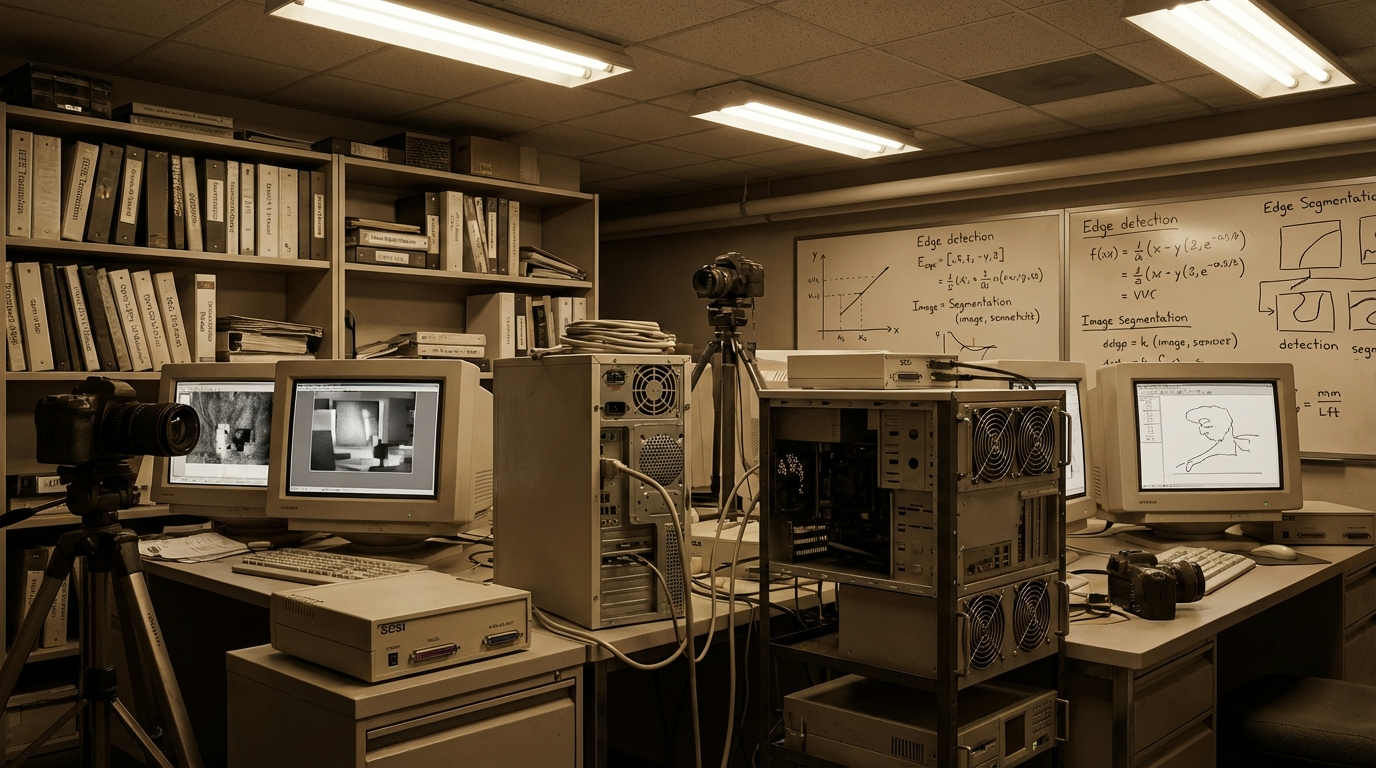
Legacy systems run the world. Power grids. Factories. Airports. Hospitals. Despite their age, they still perform critical tasks every day. Yet, these systems often lack awareness. They execute instructions, but they don’t truly observe what’s happening around them.
This is where computer vision legacy systems integration becomes transformative.
Instead of replacing trusted infrastructure, organizations can layer intelligence on top of it. Cameras become data sources. Visual signals become insights. Operations become adaptive.
However, integration must be handled carefully. Legacy environments are complex. One wrong move can disrupt workflows that have run for decades.
This article offers a practical framework. Not theory. Not hype. Just clear steps enterprises can use to integrate computer vision into legacy systems safely and effectively.
Why Computer Vision Matters for Legacy Systems
Legacy systems were designed for reliability, not adaptability. As a result, they operate blindly. They follow rules without context.
Computer vision changes that dynamic.
By enabling machines to interpret visual data, organizations unlock situational awareness. Systems no longer rely only on predefined inputs. Instead, they observe reality.
In computer vision legacy systems, this means errors are detected earlier. Risks are identified faster. Decisions improve over time.
Most importantly, value is added without ripping out infrastructure.
Principles That Guide a Practical Integration Framework
Before discussing tools or architecture, principles matter. Integration fails when vision lacks discipline.
Several principles guide successful computer vision legacy systems integration.
First, non-invasiveness is essential. Vision systems should observe, not interfere. Core processes must remain untouched initially.
Second, incremental value delivery is key. Small wins build trust and momentum.
Third, adaptability must be baked in. Legacy environments change slowly, but business needs do not.
Finally, human oversight remains critical. Automation should assist, not replace judgment.
With these principles in mind, a practical framework emerges.
Step One: Understand the Legacy Environment
Every legacy system has a story. Some were built decades ago. Others evolved through countless patches.
Understanding that environment comes first.
Inventory existing visual assets. Cameras, sensors, and displays often exist but are underutilized. Even outdated equipment can provide usable data.
Next, map workflows. Identify where visual information already influences decisions. These points offer natural entry opportunities.
Then, assess constraints. Bandwidth limits, compute availability, and compliance rules shape design choices.
Without this understanding, computer vision legacy systems integration becomes guesswork.
Step Two: Define Clear Vision Objectives
Technology should never lead strategy. Objectives must come first.
Ask practical questions.
Where do errors occur most often?
Which processes rely heavily on human observation?
What decisions could be improved with better visibility?
Clear objectives narrow scope. They prevent overengineering.
For example, a factory may aim to reduce defect rates. A logistics hub may want better asset tracking. A utility company may focus on safety compliance.
Each objective shapes the vision model, data requirements, and deployment approach.
In computer vision legacy systems, clarity equals efficiency.
Step Three: Choose the Right Integration Architecture
Architecture determines success or failure.
Most integrations fall into three categories.
Observation-only architecture places vision systems alongside legacy systems. They monitor outputs without feeding commands back. This approach minimizes risk and builds confidence.
Advisory architecture adds recommendations. Alerts and insights guide human operators. Decisions remain manual.
Closed-loop architecture allows automated responses. This stage requires high trust and robust safeguards.
For computer vision legacy systems, starting with observation is wise. Gradual progression follows proven value.
Step Four: Decide Between Edge and Cloud Processing
Processing location matters more than many expect.
Edge computing processes data near the source. Latency drops. Bandwidth use shrinks. Privacy improves.
Cloud computing offers scalability and advanced analytics. Model training becomes easier. Cross-site insights emerge.
Most practical frameworks use both.
Initial inference runs at the edge. Aggregation and learning occur in the cloud.
This hybrid approach fits computer vision legacy systems well. It balances responsiveness with intelligence.
Step Five: Prepare Data from Imperfect Sources
Legacy systems rarely produce clean data. Lighting varies. Camera angles are fixed. Resolution may be low.
These imperfections are normal.
Modern computer vision techniques compensate effectively. Data augmentation expands training sets. Transfer learning accelerates adaptation.
Rather than chasing perfection, teams should embrace realism.
Models trained on real-world legacy data perform better than idealized alternatives.
In computer vision legacy systems, resilience beats precision.
Step Six: Build and Fine-Tune Vision Models
Model selection follows objective definition.
Simple tasks require simple models. Complex environments demand deeper architectures.
Pre-trained models provide a strong foundation. Fine-tuning customizes them to the environment.
Human annotation remains important. Feedback loops improve accuracy over time.
This iterative process builds confidence. Each cycle increases reliability.
Gradually, computer vision legacy systems evolve from experimental to dependable.
Step Seven: Integrate Without Disruption
Integration should feel invisible.
Vision systems should operate independently at first. They consume data passively. They generate insights externally.
Dashboards display results. Alerts notify stakeholders. No commands are sent to legacy controls initially.
This separation protects uptime.
As trust grows, limited automation may be introduced. Even then, override mechanisms remain.
In practical frameworks, patience prevents costly mistakes.
Step Eight: Address Security and Compliance Early
Security cannot be bolted on later.
Legacy systems often lack modern protections. Adding AI introduces new risks.
Isolation is essential. Vision systems should be segmented from control networks.
Encryption protects data. Access controls limit exposure.
Compliance requirements vary by industry. Privacy regulations shape data handling.
Fortunately, computer vision legacy systems can be designed to respect these boundaries. On-device processing reduces data movement. Anonymization preserves privacy.
Responsible design builds trust with regulators and users alike.
Step Nine: Manage Organizational Change
Technology adoption is as much cultural as technical.
Employees may fear monitoring. Others may distrust algorithms.
Transparent communication helps. Explain goals clearly. Emphasize support, not surveillance.
Training empowers users. Early involvement reduces resistance.
When people see value firsthand, skepticism fades.
In computer vision legacy systems integration, people determine pace.
Step Ten: Measure Value and Iterate
Metrics matter.
Track improvements aligned with objectives. Defect reduction. Downtime avoidance. Safety incidents prevented.
Quantify savings. Highlight wins.
At the same time, collect qualitative feedback. Operator confidence. Decision clarity. Stress reduction.
Iteration follows measurement. Models improve. Scope expands.
Over time, the framework becomes self-sustaining.
Common Pitfalls to Avoid
Even with a framework, mistakes happen.
Overambition causes scope creep. Start small.
Ignoring data quality leads to frustration. Accept imperfections.
Underestimating integration complexity creates delays. Plan realistically.
Neglecting change management breeds resistance. Engage early.
Avoiding these pitfalls keeps computer vision legacy systems projects on track.
Real-World Applications Across Industries
This framework applies broadly.
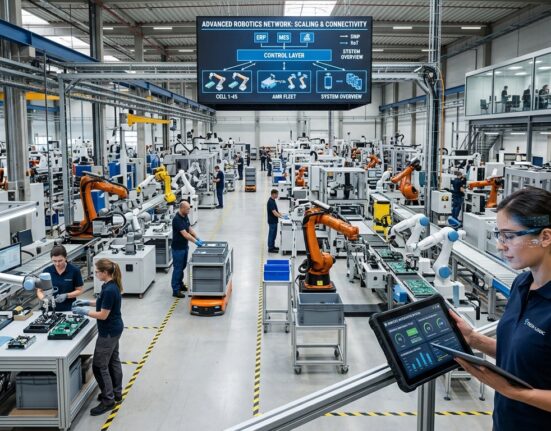
Manufacturing uses vision for inspection and maintenance. Transportation applies it to monitoring and optimization. Energy relies on it for safety and reliability. Healthcare leverages it for compliance and efficiency.
In each case, legacy systems remain intact. Intelligence grows around them.
That flexibility makes computer vision uniquely powerful.
Scaling the Framework Enterprise-Wide
Success breeds demand.
Once pilots succeed, scaling becomes the next challenge.
Standardized components simplify expansion. Shared models reduce duplication. Central governance ensures consistency.
Cloud platforms support growth. Edge deployments replicate easily.
Eventually, computer vision legacy systems integration becomes routine rather than experimental.
The Long-Term Strategic Advantage
This framework does more than solve immediate problems.
It creates a foundation for broader AI adoption. Data pipelines mature. Teams gain experience. Trust builds.
Future innovations integrate smoothly.
Organizations that start now position themselves ahead of competitors still trapped by replacement thinking.
Conclusion
Legacy systems are not barriers. They are assets waiting to be enhanced.
A practical framework turns integration from risk into opportunity. By observing first, learning gradually, and scaling thoughtfully, enterprises unlock value without disruption.
Computer vision legacy systems integration succeeds when patience meets purpose. With the right approach, yesterday’s infrastructure becomes tomorrow’s advantage.
FAQ
1. What are computer vision legacy systems?
They are existing systems enhanced with computer vision capabilities without replacing core infrastructure.
2. Is it risky to integrate computer vision into legacy systems?
Risk is minimized when integration is non-invasive and incremental.
3. Do legacy cameras work with modern vision models?
Yes, many modern models perform well even with older camera feeds.
4. How long does integration typically take?
Initial pilots often deliver results within months, depending on scope.
5. Can this framework scale across large enterprises?
Yes, the framework is designed to support gradual, enterprise-wide expansion.