

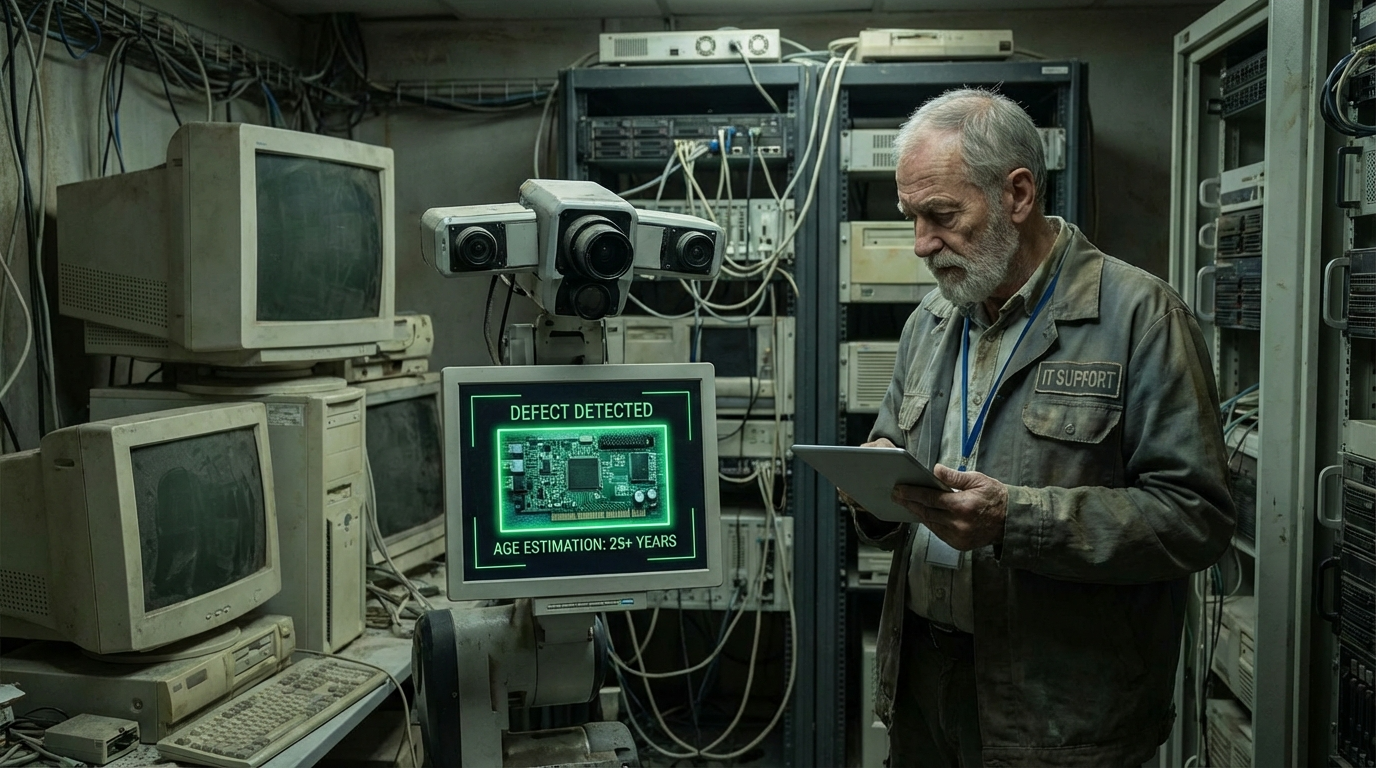
Aging IT environments sit at the heart of most large enterprises. Yet, they were never designed for artificial intelligence.
That reality creates tension.
On one side, leaders want innovation. They want automation. They want insight. On the other side, they fear disruption. They fear downtime. They fear costly mistakes.
Computer vision offers a way forward.
When approached strategically, computer vision aging IT adoption doesn’t require ripping out trusted systems. Instead, intelligence is layered on top. Vision augments what already works. Progress happens without chaos.
This article explores how enterprises make that transition successfully.
Why Aging IT Environments Resist Sudden Change
Aging IT environments weren’t built to evolve quickly. They were built to last.
Many rely on monolithic architectures. Others depend on proprietary hardware. Documentation may be sparse. Knowledge may live in a few experienced employees.
Because of this, sudden change introduces risk.
Replacing systems often breaks integrations. Testing becomes complex. Rollbacks are painful.
As a result, enterprises hesitate.
Computer vision aging IT strategies recognize this reality. They respect stability while introducing intelligence gradually.
The Strategic Value of Computer Vision in Enterprises
Computer vision gives machines the ability to interpret visual information. That capability unlocks new forms of awareness.
Processes become observable. Errors become visible. Patterns emerge.
In aging IT environments, this is powerful.
Instead of modifying core logic, enterprises observe outcomes. Cameras watch production lines. Vision models analyze behavior. Insights flow to decision-makers.
Value appears without touching fragile systems.
That separation makes computer vision especially attractive for legacy-heavy organizations.
Aligning Vision Adoption With Business Objectives
Technology without purpose creates noise.
Before adopting computer vision, enterprises must define objectives clearly.
What problems matter most? Where do inefficiencies hide? Which risks carry the highest cost?
Clear answers guide design choices.
For example, quality assurance may drive manufacturing adoption. Safety may motivate utilities. Compliance may push healthcare organizations.
When objectives are defined, computer vision aging IT projects stay focused and measurable.
Assessing Readiness in Aging IT Environments
Not every environment is equally ready.
Assessment begins with inventory.
Identify existing cameras, sensors, and visual systems. Many organizations already capture video but underuse it.
Next, evaluate infrastructure. Network bandwidth, compute capacity, and storage shape feasibility.
Then, review governance. Security policies, compliance rules, and data ownership influence design.
Finally, assess culture. Skills, openness to change, and leadership support matter.
This readiness assessment prevents unrealistic expectations and guides phased adoption.
Non-Invasive Architecture as a Core Principle
The most successful strategies share one principle.
Do not interfere.
Computer vision systems should observe, not control, especially early on.
Video streams are mirrored. Data is copied. Insights are generated externally.
Legacy systems continue operating as before.
This architecture minimizes risk. It builds trust. It allows experimentation without consequences.
In computer vision aging IT adoption, non-invasiveness protects what matters most.
Edge and Cloud Strategies for Legacy Compatibility
Processing location matters in aging IT environments.
Edge processing runs close to data sources. Latency stays low. Bandwidth usage shrinks. Privacy improves.
Cloud processing offers scale. Model training accelerates. Cross-site insights emerge.
Enterprises often combine both.
Edge devices handle real-time inference. Cloud platforms manage learning and analytics.
This hybrid model fits computer vision aging IT scenarios well. It balances performance with flexibility.
Choosing the Right Computer Vision Use Cases
Not every use case fits legacy environments.
Early success depends on choosing wisely.
Low-risk, high-impact use cases work best.
Monitoring and alerting often lead. Quality inspection follows. Safety observation comes next.
These applications deliver value without requiring system control.
As confidence grows, more complex scenarios become viable.
Strategic sequencing accelerates adoption.
Managing Data Quality in Legacy Contexts
Legacy systems produce imperfect data.
Lighting varies. Camera angles are fixed. Resolution may be low.
These challenges are normal.
Modern computer vision models are resilient. Techniques like transfer learning and data augmentation compensate effectively.
Instead of forcing ideal conditions, enterprises adapt models to reality.
Training on real-world data improves reliability.
In computer vision aging IT projects, pragmatism wins.
Human-in-the-Loop Adoption Strategies
Automation alone rarely succeeds.
Human oversight builds trust.
In early stages, vision systems generate recommendations rather than actions. Humans validate outputs. Feedback refines models.
Over time, accuracy improves. Confidence grows.
Eventually, limited automation becomes acceptable.
This gradual shift respects both technology and people.
Security Considerations in Aging IT Environments
Security risk increases when new systems connect to old ones.
Isolation becomes essential.
Vision platforms should be segmented from core IT. Access controls must be strict. Data should be encrypted.
Monitoring detects anomalies.
Compliance requirements must be honored.
Fortunately, computer vision aging IT strategies can improve security. Visibility increases. Risks surface earlier.
When designed responsibly, vision strengthens defenses.
Privacy and Ethical Responsibility
With vision comes responsibility.
Employees and customers worry about surveillance. Trust matters.
Privacy-preserving techniques help.
Anonymization blurs identities. On-device processing limits exposure. Clear policies define acceptable use.
Transparency builds acceptance.
Ethical design ensures adoption aligns with values.
Change Management and Organizational Buy-In
Technology adoption fails without people.
Clear communication matters.
Explain why vision is being adopted. Emphasize benefits. Address concerns openly.
Training empowers teams. Involvement reduces fear.
Early wins demonstrate value.
When people see improvement firsthand, resistance fades.
In computer vision aging IT initiatives, culture determines pace.
Measuring ROI in Vision Adoption
Executives demand results.
ROI measurement starts with objectives.
Track defect reduction, downtime avoidance, safety incidents prevented, or compliance improvements.
Quantify savings. Document improvements.
Also measure soft benefits. Decision confidence. Reduced workload. Faster response.
Clear metrics justify expansion and sustain momentum.
Scaling Computer Vision Across the Enterprise
Success breeds demand.
Scaling requires structure.
Standardized platforms simplify replication. Shared models reduce duplication. Governance ensures consistency.
Cloud-based management eases updates. Edge deployments replicate efficiently.
Over time, computer vision aging IT adoption becomes routine rather than experimental.
Common Mistakes Enterprises Should Avoid
Several pitfalls appear repeatedly.
Starting too big increases risk. Begin small.
Ignoring integration complexity causes delays. Plan realistically.
Underestimating training needs slows adoption. Invest early.
Avoiding these mistakes keeps progress steady.
Long-Term Strategic Impact of Vision Adoption
Computer vision does more than solve immediate problems.
It builds AI capability. Data pipelines mature. Teams gain experience.
Future initiatives integrate faster.
Enterprises that adopt vision strategically gain lasting advantage.
They innovate without disruption.
Conclusion
Aging IT environments don’t prevent progress. They demand smarter strategies.
By adopting computer vision thoughtfully, enterprises layer intelligence onto stability. They gain insight without risk. They modernize without replacement.
Computer vision aging IT strategies succeed when patience meets purpose. With the right approach, yesterday’s systems power tomorrow’s innovation.
FAQ
1. What does computer vision aging IT mean?
It refers to applying computer vision technologies within older IT environments without replacing core systems.
2. Is computer vision safe to deploy in legacy systems?
Yes, when designed as a non-invasive, observational layer.
3. Do aging IT environments support modern AI workloads?
With edge devices and cloud support, most environments can.
4. How long does enterprise vision adoption take?
Initial pilots often deliver value within a few months.
5. Can computer vision adoption scale across large organizations?
Yes, with standardized architecture and governance, scaling is achievable.


Leave feedback about this