

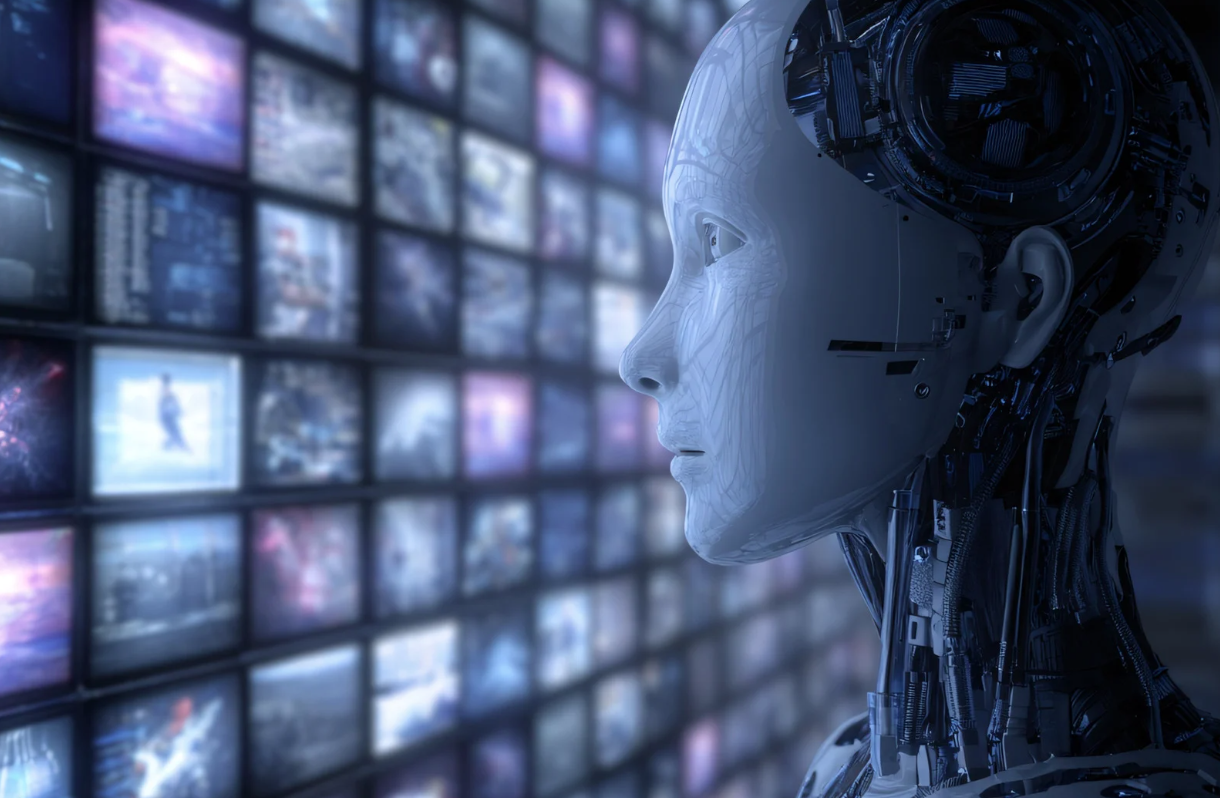
Data is the fuel that powers computer vision. Without clean, accessible, and well-structured data, even the most advanced models fail to deliver value. That reality creates a major challenge for organizations running on legacy systems. These environments were never designed for AI workloads, let alone computer vision data migration at scale.
So how do you move decades of visual data, metadata, and system logic into a modern computer vision framework without breaking operations or losing trust? More importantly, how do you do it in a way that creates long-term value instead of short-term chaos?
Computer vision data migration is not a one-time technical task. Rather, it is a strategic transformation process. It blends IT modernization, data governance, compliance, and business alignment into one coordinated effort. When done right, it unlocks automation, accuracy, and predictive insight. When rushed, it creates downtime, risk, and resistance.
This article walks you through proven data migration strategies for computer vision integration in legacy systems. Along the way, you will learn how to assess readiness, reduce risk, protect data quality, and build a migration plan that actually works in the real world.
Why Computer Vision Data Migration Matters
Legacy systems are often reliable, but they are rigid. They store images, videos, and records in formats designed for storage, not intelligence. As a result, computer vision models struggle to access or interpret this data efficiently.
Computer vision data migration solves this gap. It restructures, enriches, and relocates data so AI models can analyze it in real time or near real time. Moreover, it ensures that historical data remains usable rather than abandoned.
Without a thoughtful migration strategy, organizations face fragmented datasets, inconsistent labeling, and compliance risks. In contrast, a well-executed computer vision data migration creates continuity between the past and the future.
Think of it like renovating an old house. You do not demolish everything. Instead, you reinforce the foundation, update the wiring, and add modern systems that improve comfort and performance. Data migration works the same way.
Understanding Legacy Data Environments
Before migrating anything, you must understand what you are working with. Legacy systems vary widely, especially in surveillance, healthcare, and industrial settings.
Some store video on physical servers using proprietary formats. Others rely on outdated databases with limited metadata. Often, documentation is incomplete, and institutional knowledge lives only in people’s heads.
Computer vision data migration begins with discovery. This phase identifies data sources, formats, volumes, and dependencies. It also reveals data quality issues such as missing timestamps, inconsistent resolutions, or corrupted files.
Equally important, discovery uncovers operational constraints. For example, hospitals cannot afford downtime. Surveillance systems often operate 24/7. These realities shape every migration decision that follows.
Aligning Data Migration with Computer Vision Goals
Not all data needs to be migrated. That statement surprises many teams, yet it is critical. Computer vision integration should drive migration priorities, not the other way around.
Start by asking clear questions. What computer vision use cases matter most? Is the goal real-time monitoring, retrospective analysis, or predictive modeling? Each scenario requires different data characteristics.
For example, real-time computer vision systems prioritize low-latency data streams. Historical archives may matter less. On the other hand, diagnostic imaging benefits from large, labeled datasets spanning years.
By aligning computer vision data migration with business goals, organizations avoid unnecessary complexity. They migrate what matters, archive what does not, and reduce overall risk.
Choosing the Right Migration Strategy
There is no universal migration approach. Instead, organizations choose from several strategies based on system complexity, risk tolerance, and operational constraints.
A phased migration is often the safest path. Data moves in stages while legacy systems remain operational. This approach reduces disruption and allows teams to validate results incrementally.
Parallel migration is another option. Here, data feeds both legacy and computer vision systems simultaneously. While more resource-intensive, it provides a safety net during transition periods.
In contrast, a big-bang migration moves all data at once. Although faster, it carries higher risk. This strategy only works when systems are well-documented and downtime is acceptable.
Most successful computer vision data migration projects combine strategies. They phase critical data first, test integration, and then expand scope gradually.
Preparing Data for Computer Vision Workloads
Raw legacy data rarely meets computer vision requirements. Preparation is where much of the real work happens.
First, data must be standardized. Video formats, resolutions, and frame rates should align with model requirements. Images need consistent naming conventions and metadata structures.
Next, labeling becomes essential. Computer vision models learn from labeled data. Legacy datasets often lack annotations or use inconsistent labeling schemes. Therefore, migration includes relabeling, augmentation, or enrichment processes.
Data cleaning also plays a major role. Blurry images, duplicate files, and corrupted records reduce model accuracy. Removing or correcting these issues improves downstream performance significantly.
Although preparation requires effort, it delivers long-term returns. Clean, structured data accelerates model training and improves reliability.
Managing Data Quality and Integrity
During computer vision data migration, maintaining data integrity is non-negotiable. Lost frames, altered timestamps, or mismatched metadata undermine trust in AI outputs.
Checksum verification, validation scripts, and audit logs help ensure accuracy throughout migration. These controls detect errors early rather than after deployment.
Version control also matters. As data transforms, teams must track changes clearly. This transparency supports troubleshooting, compliance, and continuous improvement.
Moreover, data governance policies should guide every step. Clear ownership, access controls, and retention rules prevent confusion and misuse.
Security and Privacy in Data Migration
Computer vision often handles sensitive data. In healthcare, it includes patient images. In surveillance, it captures identifiable individuals. Therefore, security cannot be an afterthought.
During migration, data travels across networks and systems. Encryption protects it in transit and at rest. Role-based access ensures only authorized users interact with sensitive datasets.
Privacy regulations further shape migration strategies. HIPAA, GDPR, and similar frameworks impose strict rules on data handling. Compliance requires anonymization, consent management, and auditability.
A secure computer vision data migration builds trust. It reassures stakeholders that innovation does not compromise ethics or legality.
Integrating Migrated Data into Computer Vision Pipelines
Migration does not end when data reaches a new location. Integration is where value emerges.
Computer vision pipelines ingest data, preprocess it, run inference, and generate outputs. Migrated data must fit seamlessly into these workflows.
APIs, data connectors, and middleware often bridge legacy formats and modern platforms. These tools translate data into usable forms without excessive manual intervention.
Testing plays a vital role here. Sample datasets validate performance, accuracy, and latency. Feedback loops allow teams to refine preprocessing and labeling.
When integration succeeds, computer vision systems operate smoothly on migrated data, delivering insights that were previously impossible.
Handling Real-Time vs Historical Data
Not all data behaves the same. Real-time streams and historical archives require different migration approaches.
Real-time data migration focuses on continuity. Systems must capture live feeds without interruption. Edge computing often supports this goal by processing data closer to the source.
Historical data migration emphasizes completeness and context. Large archives move in batches, often during off-peak hours. Compression and indexing optimize storage and retrieval.
Balancing these two streams ensures computer vision systems learn from the past while acting in the present.
Scaling Migration for Future Growth
Computer vision initiatives rarely stay small. As success grows, so does data volume.
Scalable migration strategies anticipate this growth. Cloud-native storage, distributed processing, and modular architectures support expansion without rework.
Automation further enhances scalability. Scripts handle repetitive tasks such as format conversion and metadata extraction. As a result, teams focus on optimization rather than manual labor.
By designing for scale, organizations future-proof their computer vision data migration efforts.
Measuring Migration Success
How do you know migration worked? Clear metrics provide answers.
Data completeness, error rates, and processing latency offer technical indicators. Meanwhile, model accuracy and inference speed reflect practical impact.
Business metrics matter too. Reduced manual review, faster decision-making, and improved outcomes demonstrate value beyond IT.
Regular reviews ensure migration continues to support evolving computer vision goals.
Overcoming Common Migration Challenges
Every migration faces obstacles. Legacy systems resist change. Data quality surprises teams. Stakeholders worry about disruption.
However, proactive planning mitigates these challenges. Clear communication aligns expectations. Pilot projects build confidence. Cross-functional collaboration breaks silos.
Most importantly, patience pays off. Computer vision data migration is a journey, not a sprint.
The Strategic Value of Computer Vision Data Migration
Beyond technology, migration represents transformation. It turns static records into actionable intelligence. It bridges past investments with future innovation.
Organizations that approach migration strategically gain more than AI capabilities. They gain agility, insight, and resilience.
In a world driven by visual data, computer vision data migration is not optional. It is foundational.
Conclusion
Computer vision data migration is the silent enabler behind successful AI integration in legacy systems. It demands strategy, discipline, and collaboration. Yet, when executed thoughtfully, it unlocks the full potential of computer vision without sacrificing stability or trust. By aligning migration efforts with business goals, prioritizing data quality, and planning for scale, organizations transform legacy constraints into competitive advantages. The future of intelligent systems depends on how well we move the data that feeds them.
FAQ
1. What is computer vision data migration?
Computer vision data migration is the process of moving, transforming, and preparing legacy visual data for use in modern computer vision systems.
2. Why is data preparation critical for computer vision integration?
Prepared data improves model accuracy, reduces errors, and ensures consistent performance across computer vision applications.
3. Can legacy systems remain operational during migration?
Yes, phased and parallel migration strategies allow legacy systems to run while data transitions to new platforms.
4. How long does computer vision data migration take?
Timelines vary based on data volume, system complexity, and compliance requirements, ranging from weeks to several months.
5. What risks are involved in computer vision data migration?
Common risks include data loss, security breaches, downtime, and compliance issues, all of which can be mitigated with proper planning.




Leave feedback about this